
Screenshots
App details
- Updated
- 2017-10-17T11:20:36.333735Z
- Requires
- Windows 10 version 16299.0 or higher
- Language
- English
- Developer
- Sour Green Plums
- Category
- Mobile
SoftPas in:
This product is also available in the following languages:
About Blocked In
Download Blocked In – sliding puzzle, free puzzle game, brain teaser, logic game, mobile puzzle
Overview
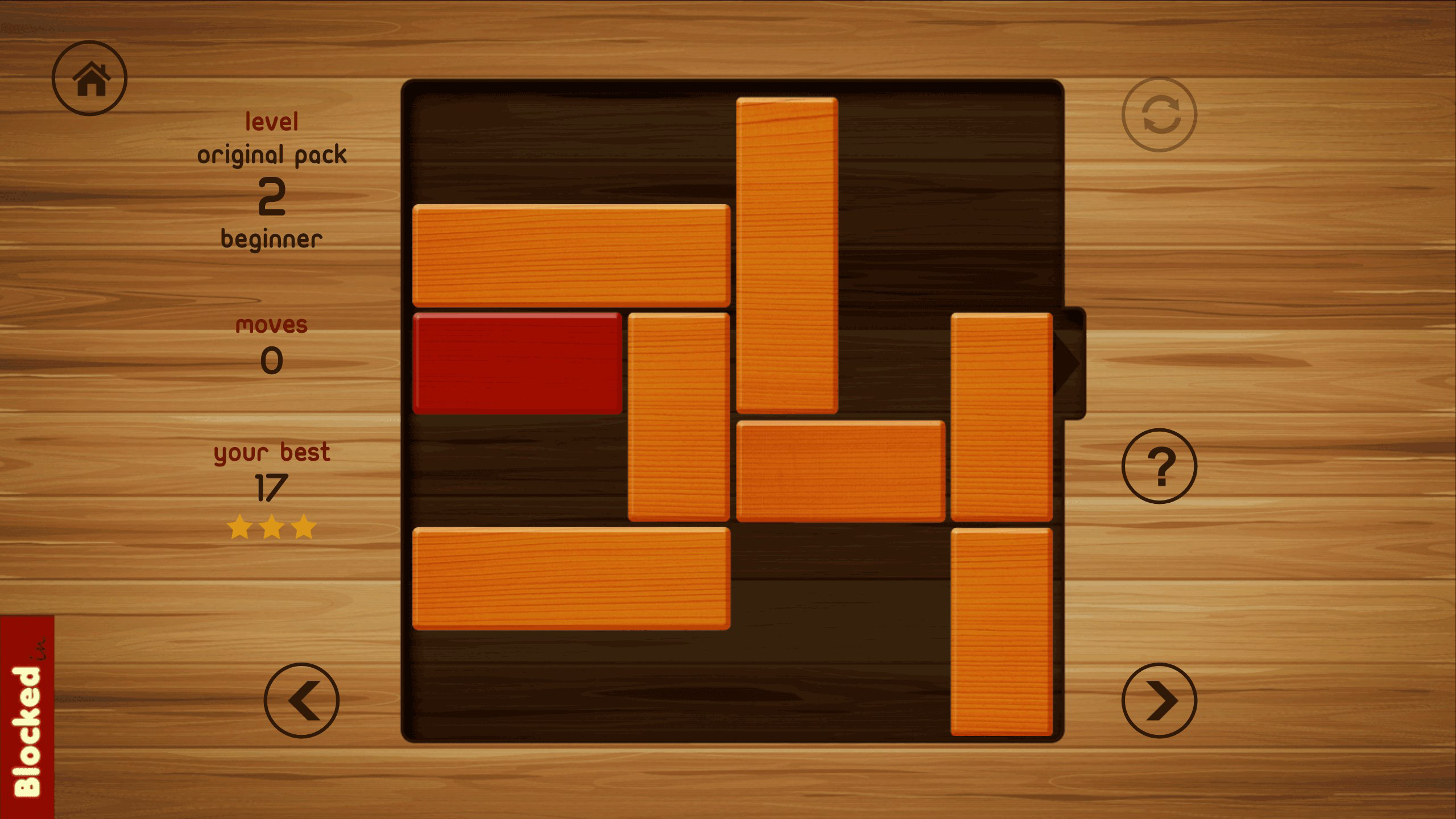
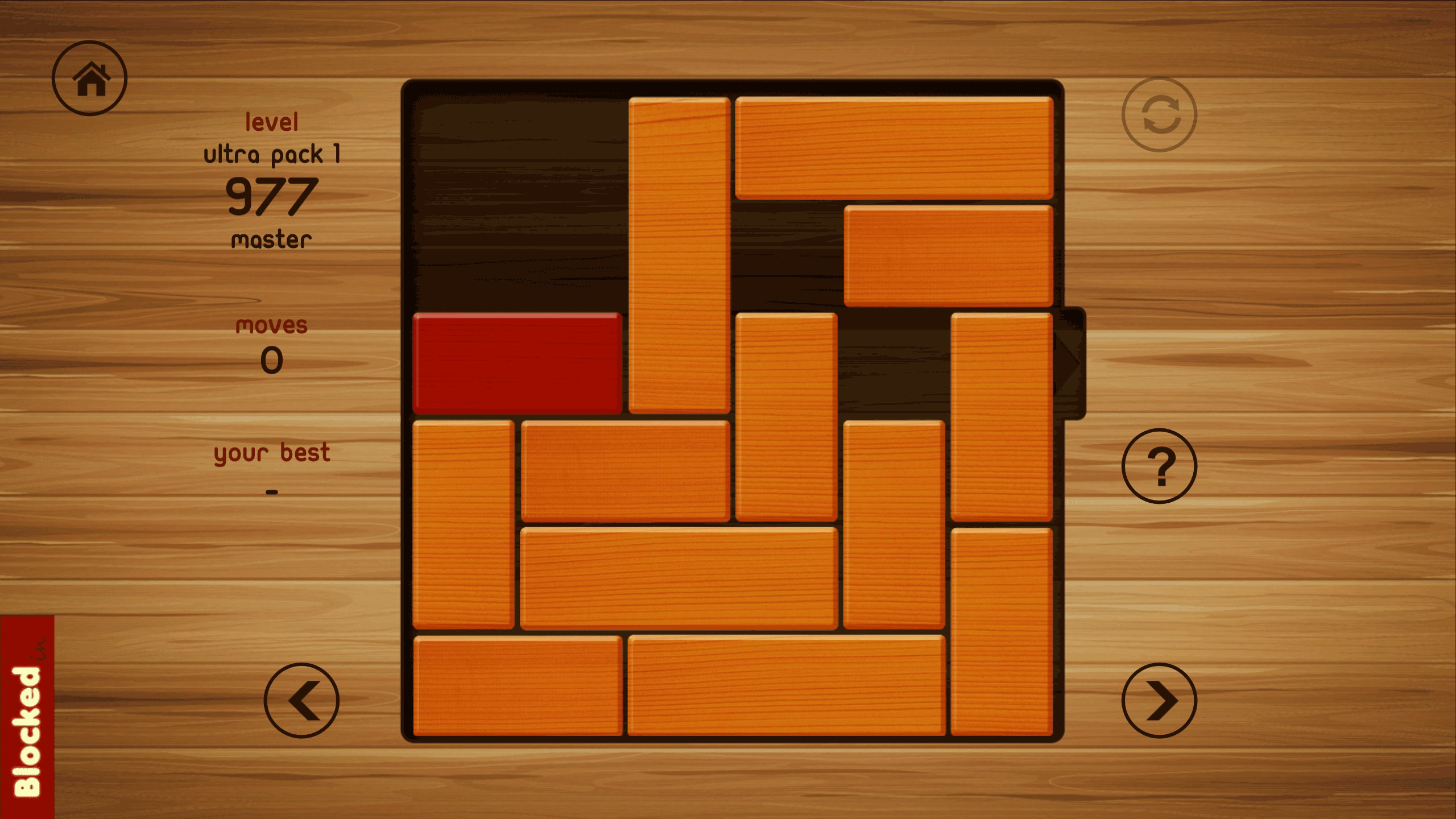
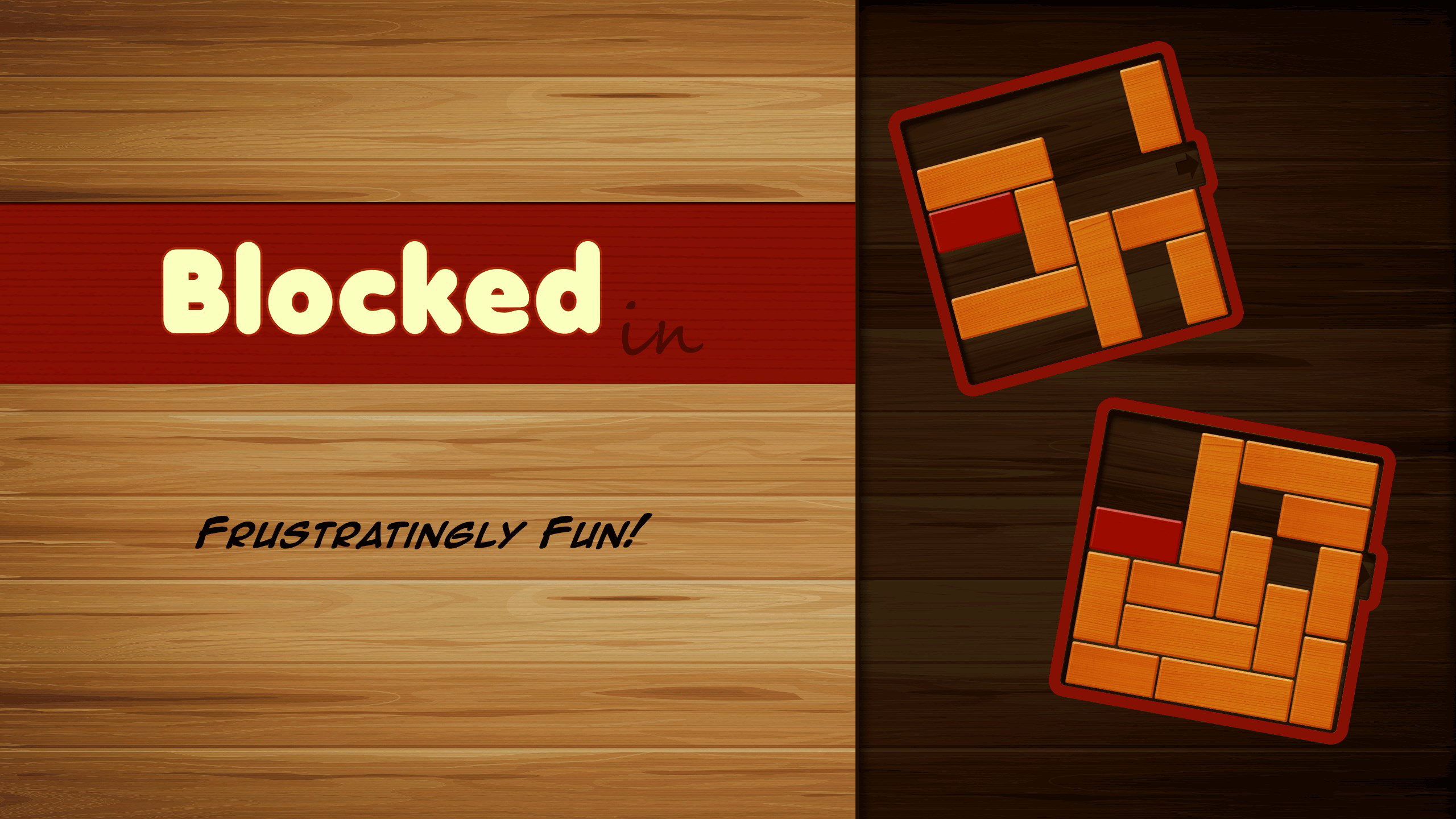
Blocked In is a free sliding puzzle game designed for players seeking mental stimulation through strategic gameplay. The core objective is straightforward: free the red block from the board by maneuvering surrounding blocks. This simple yet compelling mechanic forms the foundation of an engaging puzzle experience that appeals to both casual players and dedicated puzzle enthusiasts. The game’s purpose lies in challenging logical thinking and spatial reasoning, offering a low-pressure environment where players can test their problem-solving skills at their own pace.
It serves as a digital brain teaser that can be enjoyed during short breaks or longer sessions, making it ideal for users looking to unwind while keeping their minds active. Target users include fans of logic games, mobile puzzle lovers, and anyone interested in a no-cost, accessible way to engage in mental challenges. The developer, Blocked In, has positioned the game as a long-term entertainment tool with a vast collection of levels, fostering repeated engagement over time.
With over 3600 free levels available, the game provides a substantial content library that supports ongoing play. Its release in 2017 and continued presence on the Windows platform suggest a stable, well-maintained application. Although the developer did not provide additional technical details, the game’s enduring popularity indicates a strong user base and consistent performance. In the broader app ecosystem, Blocked In occupies a niche as a pure puzzle experience, standing out through its focus on gameplay depth rather than in-app purchases or ads.
Key Features & Functionality
- Core Gameplay Mechanic: Players must slide blocks horizontally or vertically to create a path for the red block to exit the board. This mechanic encourages careful planning and foresight, as each move affects the entire puzzle state.
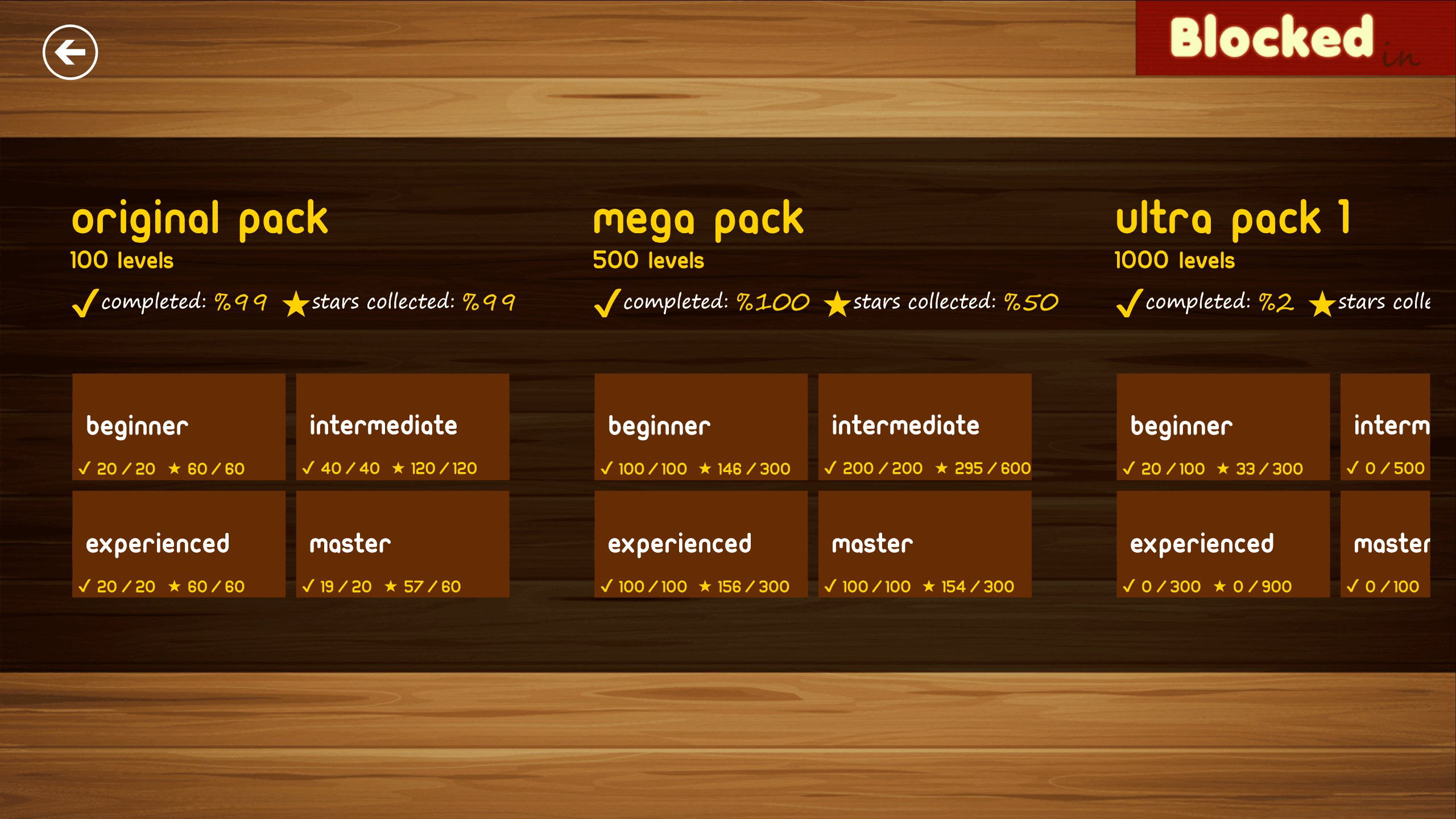
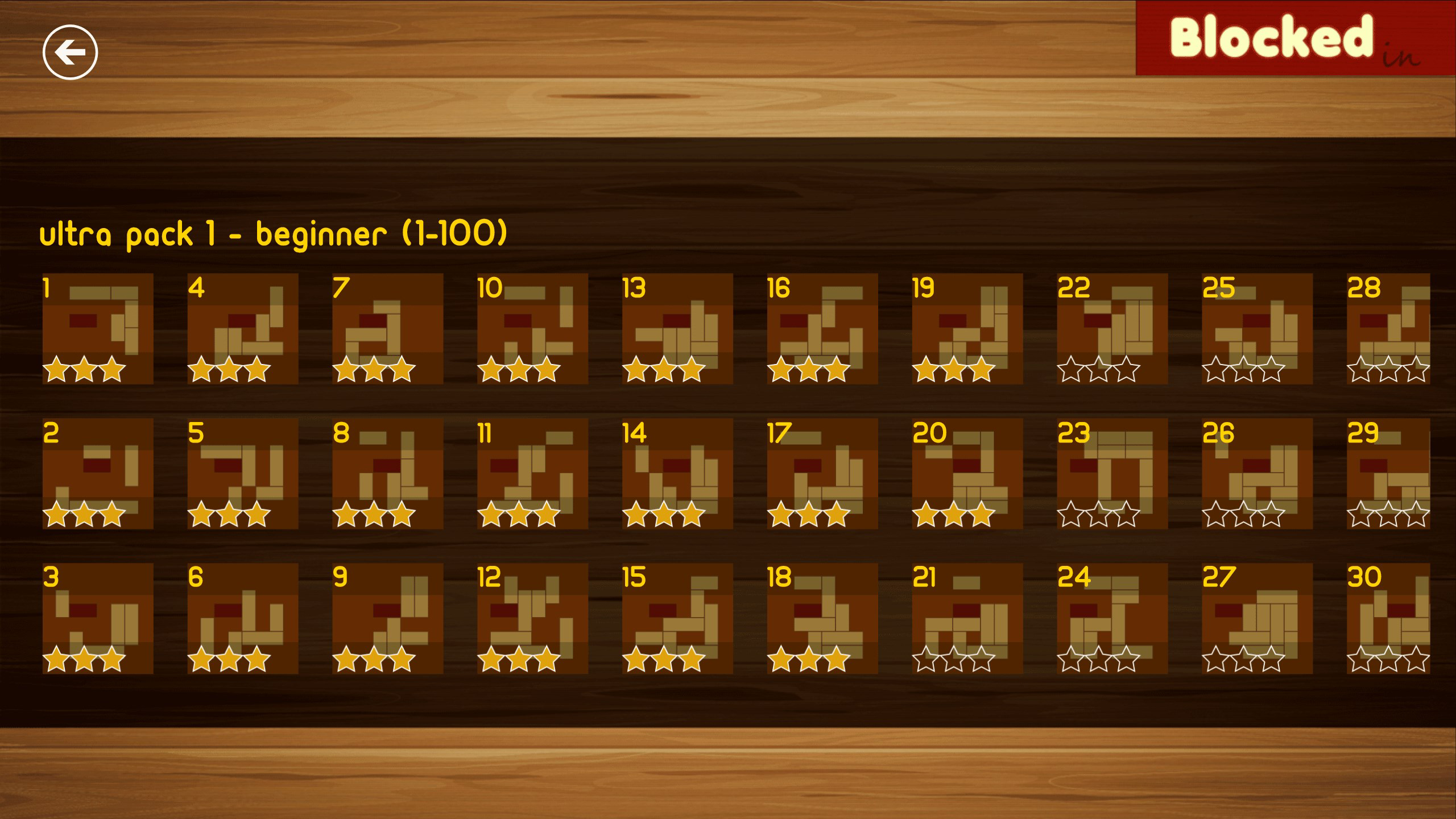
- Extensive Level Library: The game features 3600 free levels, offering a wide range of difficulty levels from beginner-friendly setups to highly complex configurations that test advanced strategy.
- Progressive Difficulty Curve: Levels are structured to gradually increase in complexity, helping new players build skills while maintaining challenge for experienced users.
- Minimalist Visual Design: The clean, uncluttered interface focuses attention on the puzzle board, reducing distractions and enhancing concentration.
- Offline Play Capability: As a Windows-based application, Blocked In allows uninterrupted gameplay without requiring an internet connection.
Each level presents a unique spatial challenge, requiring players to anticipate multiple moves ahead. For example, a beginner level might involve only three blocks, while a later level could feature a 5x5 grid with overlapping shapes and limited exit paths. The game rewards patience and persistence, with successful completion often resulting in a satisfying sense of accomplishment. The lack of time pressure or penalties for mistakes makes it accessible to users of all ages and skill levels.
Interface, UX & Performance
Blocked In features a minimalist interface that prioritizes clarity and usability. The puzzle board is centered on the screen, with blocks clearly defined by distinct colors and shapes. Navigation is intuitive: users tap or click to select a block and drag it in a valid direction. The layout remains consistent across all levels, reducing cognitive load and enabling quick adaptation.
Visual feedback is immediate—blocks snap into place when moved, and the game confirms when the red block reaches the exit. The design avoids unnecessary animations or sound effects, maintaining a calm, focused environment ideal for problem-solving. Although the developer did not list formal performance metrics, the application’s 37.8 MB size suggests efficient resource usage, which typically correlates with smooth performance on a variety of Windows devices.
Responsiveness is strong within the expected range for a puzzle game of this type. The app handles input quickly and transitions between levels without noticeable lag. Stability appears consistent, as no widespread reports of crashes or freezes have been documented. Users can expect reliable performance across different screen sizes and hardware configurations, though specific requirements were not disclosed.
Platform Compatibility & Technical Requirements
Blocked In is available exclusively on the Windows platform. It runs on Windows operating systems, though specific version requirements were not listed. The application has a file size of 37.8 MB, which is relatively lightweight and suitable for devices with limited storage.
As a free app, it does not require a subscription or in-app purchases to access its full feature set. The current version is 1.2.2.0, released on October 17, 2017. While the release date is over six years old, the app remains functional and accessible, indicating a stable codebase with minimal need for updates.
The developer did not specify minimum OS requirements or compatibility details for different Windows editions. Users should ensure their device supports Windows applications and has sufficient storage for the 37.8 MB installation. Compatibility information was not fully disclosed.
Pros and Cons
- Extensive library of 3600 free levels
- Simple, intuitive gameplay with no learning curve
- Minimalist interface enhances focus and clarity
- Offline play available without internet dependency
- Free to download and use with no ads or in-app purchases
- Release date is over six years old, with no recent updates
- Platform restricted to Windows, limiting accessibility
- No information on compatibility with newer Windows versions
- Visual design is basic and may feel outdated to some users
- Limited social or progress-tracking features
FAQ
Is Blocked In safe to download and install?
Yes, Blocked In is a free app available on the Microsoft Store. It does not require special permissions and is designed to run securely on Windows devices.
Can I play Blocked In offline?
Yes, the game supports offline play. Once installed, no internet connection is required to access levels or progress through the puzzle.
Is Blocked In available on Android or iOS?
Currently, Blocked In is only available on the Windows platform. There is no official version for Android or iOS devices.
Are there ads or in-app purchases in Blocked In?
No, the game is completely free to play with no advertisements or in-app purchases. All 3600 levels are accessible without cost.
How often is Blocked In updated?
The last update was released on October 17, 2017. The developer has not issued any updates since then, though the app remains functional.
Final Thoughts
Blocked In delivers a pure, focused puzzle experience that stands out in a crowded mobile app market. Its combination of simple mechanics, deep strategic challenges, and a vast library of free levels makes it a compelling choice for fans of logic games and brain teasers. While the lack of recent updates and platform exclusivity may limit its appeal to some, the game’s enduring functionality and zero-cost access ensure it remains a valuable tool for mental engagement.
It is best suited for Windows users who enjoy thoughtful, low-stimulus gameplay and value a game that prioritizes challenge over flashy design. For those seeking a reliable, ad-free puzzle experience that encourages patience and critical thinking, Blocked In offers strong value. The game’s legacy speaks to its quality and lasting appeal.
Download Blocked In now
Guides & Tutorials
How to install Blocked In
- Click the Download button above.
- Once redirected, accept the terms and click Install.
- Wait for the Blocked In download to finish on your device.
How to use Blocked In
This software is primarily used for its core features described above. Open the app after installation to explore its capabilities.
User Reviews
No reviews yet. Be the first to share your experience.
You may also like
more
Que no te pillen¡
About !Que no te pillen¡Reviewed by Jason A. BilbreyShow MoreShow Less

3D Combat Zone
About 3D Combat ZoneOriginally released in 1983, 3D Combat Zone immerses players...

666: El día del portal
About 666: El día del portalOn June 6, 2006, Agent P. Stone uncovers a sinister...

80 in 1 Best Flash games
About 80 in 1 Best Flash games 80 in 1 Best Flash games is a collection of 80 fl...

ABYSS SEEKERーーWhat Do You See Deep in The Abyss
About ABYSS SEEKERーーWhat Do You See Deep in The AbyssIn ABYSS SEEKER, players...

ACA NEOGEO THE KING OF FIGHTERS 2002 for Windows
About ACA NEOGEO THE KING OF FIGHTERS 2002 for WindowsTHE KING OF FIGHTERS 2002,...